
A Windows warning is not solved by a matching download hash
File integrity, publisher identity and application reputation are different checks. Keep protection enabled and investigate uncertainty before running a launcher.
If Windows warns about a downloaded launcher, disabling protection should not be the first response. A file hash, a publisher signature and application reputation answer different questions. A match in one check cannot replace all the others.
Three separate checks
| Question | Evidence | Not established by this alone |
|---|---|---|
| Did I download the intended file? | Published SHA-256 from a trusted source | That every behavior is safe |
| Is the publisher signed? | A valid digital signature, where available | Compatibility with your game edition |
| Does the app have known reputation? | SmartScreen and security signals | That an unknown file is necessarily malicious |
Why a reputation warning can appear
Microsoft describes SmartScreen as using file and publisher reputation. A new or unfamiliar file may trigger a warning, and signing does not guarantee the absence of warnings. A warning alone is not a definitive verdict in either direction. There is no promised date when it will disappear.
A sensible verification order
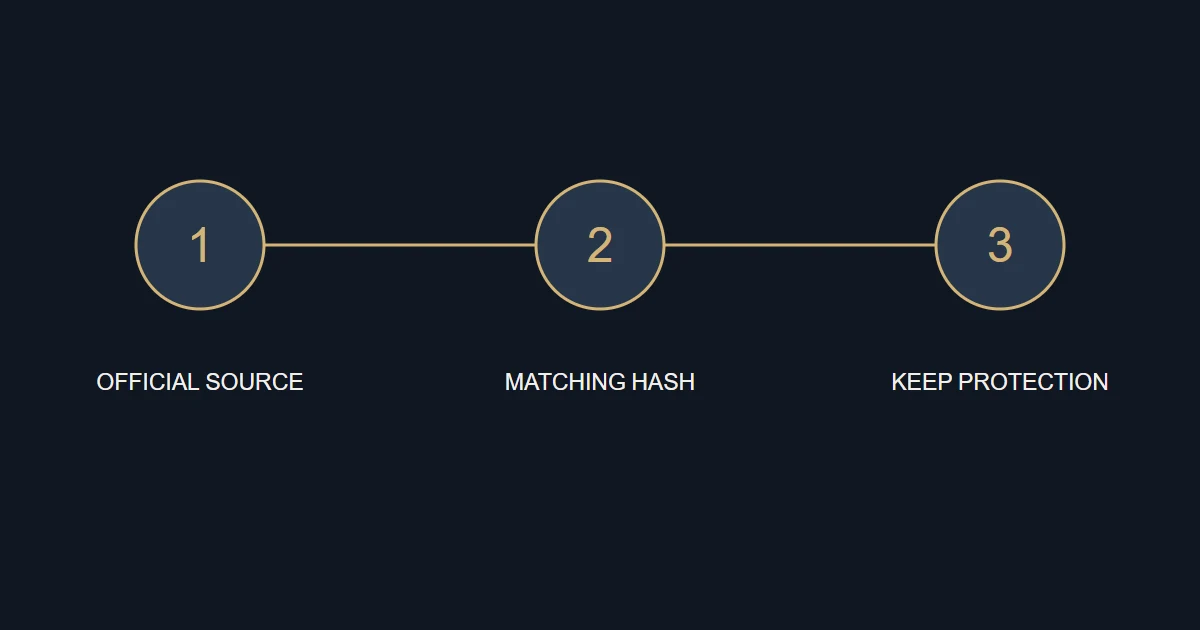
- Begin from the official B52 game page and confirm the package name and type.
- Compare its size and SHA-256 with the published record. Do not run a mismatching file.
- Check the stated signature status; a matching hash does not turn an unsigned executable into a signed one.
- Read the actual security message, keep your protection updated and scan the file. If uncertainty remains, stop and retain the details.
What installation should not require
B52 does not ask you to disable Microsoft Defender, Windows protections or add broad exclusions as a routine installation step. Do not replace the package with an unfamiliar download claiming to remove the warning. Respect a managed device’s security policy rather than changing settings whose consequences you do not understand.
The reference must be trustworthy too
A file and matching hash obtained from the same impersonation page do not establish that the source is genuine. Open the official site directly and use its verified contact channels if necessary. A file report does not require passwords or identity documents.
Sources and references
An original B52 guide. Use these references to check the underlying documentation.