
Extract the whole portable launcher, not just its EXE
Keep the archive’s supporting files together. A portable launcher ZIP is not automatically a manual localization patch.
A portable package is a launcher distributed as a folder, under the instructions that accompany it. It does not mean that each file in the archive is independent. Running the executable from an archive preview or moving only the EXE can leave required supporting files behind.
Extract the complete package on Windows
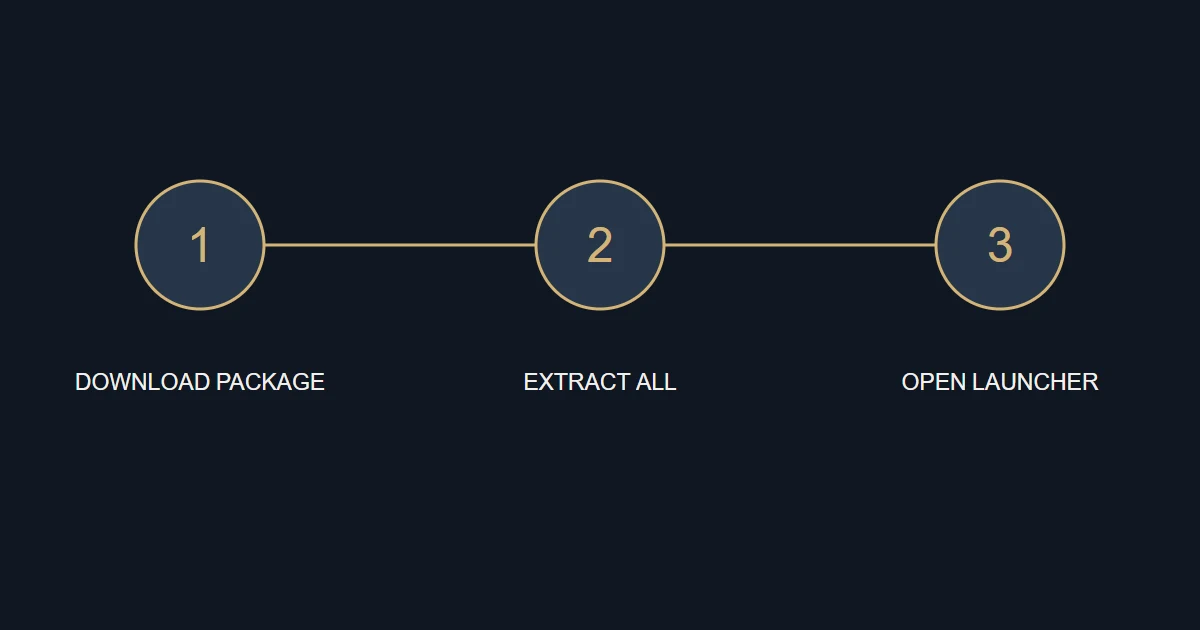
- Download the official ZIP and compare its name, size and hash with the release page.
- In File Explorer, right-click the archive and choose Extract All.
- Choose a clear, writable destination and wait until all files have been extracted.
- Read the included instructions and start the launcher from the extracted folder. Keep its supporting files together.
Portable does not mean manual
The Origins ZIP contains portable shoAR; it is not a standalone manual patch. Ratatouille has separate portable and manual packages. Prisoner of War has a portable launcher and a separate text patch, but that patch alone does not install the required font and other localization components.
| Package | Start with | Avoid |
|---|---|---|
| Portable launcher | Extract the whole folder | Moving only the EXE |
| Manual package | Its specific installation guide | Instructions for a different package |
| Optional add-on | Check its dependencies | Treating it as the core localization |
If a file is reported missing
Close the launcher and compare the extracted folder with the original archive without deleting your existing copy. Check whether extraction completed and whether security software quarantined a file. Investigate the reason rather than restoring it blindly. Do not download replacement DLLs from unfamiliar sites or disable protection to make the message disappear.
Moving the folder later
Portable packaging does not guarantee that records from an earlier installation will automatically follow a new path. Keep the launcher folder and installation record until installation or restoration is complete. Follow the release instructions before moving them; there is no need to move your original game or saves simply to organize downloaded archives.
Sources and references
An original B52 guide. Use these references to check the underlying documentation.