
Before updating PCSX2 or a localization, save inside the game
A memory-card save and an emulator save state serve different purposes. Preserve both, but do not rely on a state as your only recovery route.
Before updating an emulator or changing a localization build, use the game’s own save feature whenever it is available, then close the game properly. Emulator save states are convenient, but they should not be your only recovery route.
Two different kinds of save
| Method | What it preserves | Important limit |
|---|---|---|
| In-game memory-card save | Progress written by the game | Preserve the correct card and its configuration |
| Emulator save state | Execution state at a particular moment | Compatibility across emulator versions is not guaranteed |
PCSX2 documentation explicitly warns that save states are not guaranteed to work across versions. Make an in-game save before moving to another version. This is not a promise that every memory-card save works with every game region or localization; check any package-specific restrictions.
Back up without resetting your setup
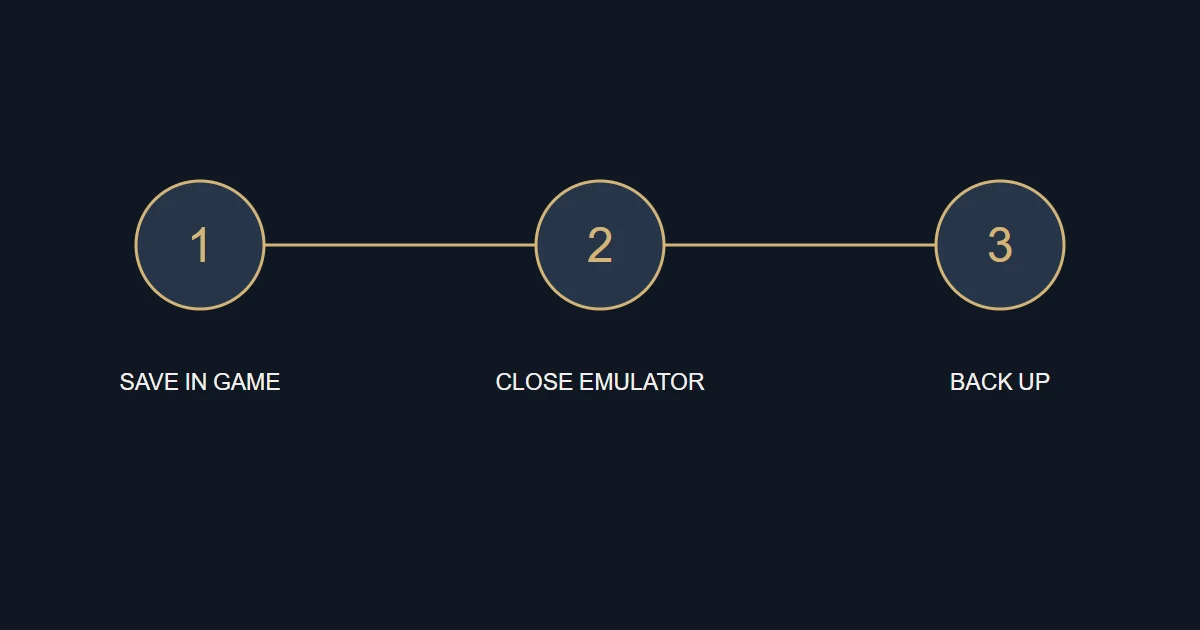
- Save inside the game, then close the game and emulator.
- Check the memory-card location in your actual emulator settings rather than assuming a path from another installation.
- Copy the card file or folder according to the type you use. Preserve save states separately if you want them too.
- Store the backup outside the working folder and note the emulator, game and localization versions.
File cards and folder cards
PCSX2 supports file-based and folder-based memory cards. Back up the type you actually use. Do not look for a single card file when your card is a folder, or convert card types simply to follow this guide. Closing the emulator before copying avoids copying files while it is writing to them.
Resume carefully after the update
Follow the localization’s instructions instead of automatically resuming a state made with another build, especially where the package includes a warning. Start the game manually and load the in-game save when permitted by the instructions. Keep the known-good backup unchanged while you investigate any uncertainty.
Sources and references
An original B52 guide. Use these references to check the underlying documentation.