
Recommended: Windows installer
Localization 1.0.0 · Launcher 1.1.0
288333824 bytes · Published 2026-10-18
dbf7dc52c1b9a455b0a16988b1c7464de0a25e669a194202920a99ca6fe07c95Download installerArabic dialogue, documents, maps and interface text, delivered through the dedicated shoAR launcher.
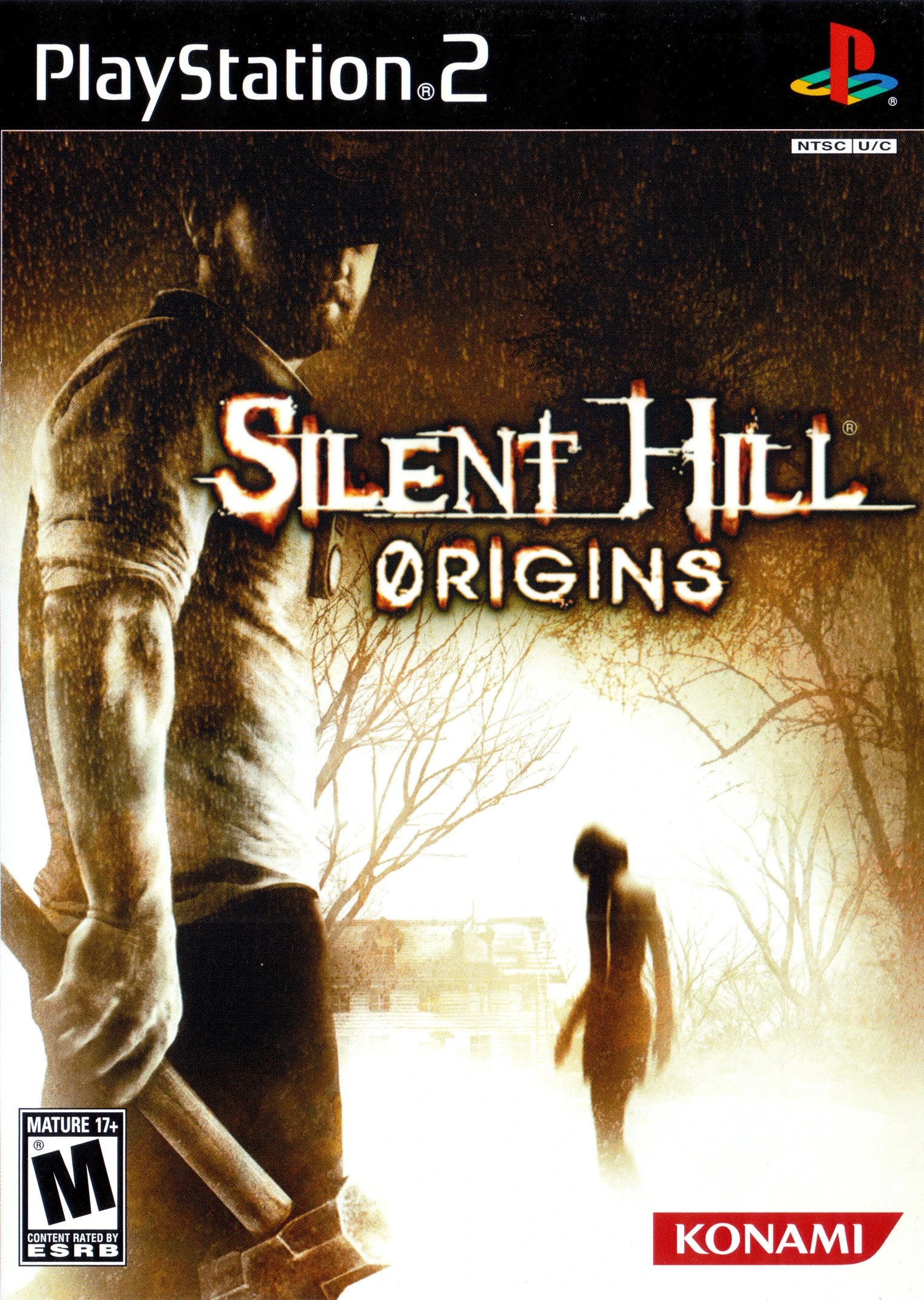
Follow the story in Arabic while keeping a separate copy of your original game.
These are preserved project images, not newly captured gameplay from the latest launcher build. Game imagery belongs to its respective rights holders.
PlayStation 2, SLUS-21731, NTSC-U 1.00. Documented use through PCSX2. Windows 10/11 x64 launcher. Other regions and builds are not assumed compatible.
Last documented project update:
Help and safe installation guidanceLauncher version 1.1.0, separate from localization version 1.0.0. It checks the supported original and manages a separate Arabic installation. Keep the original and installation record.
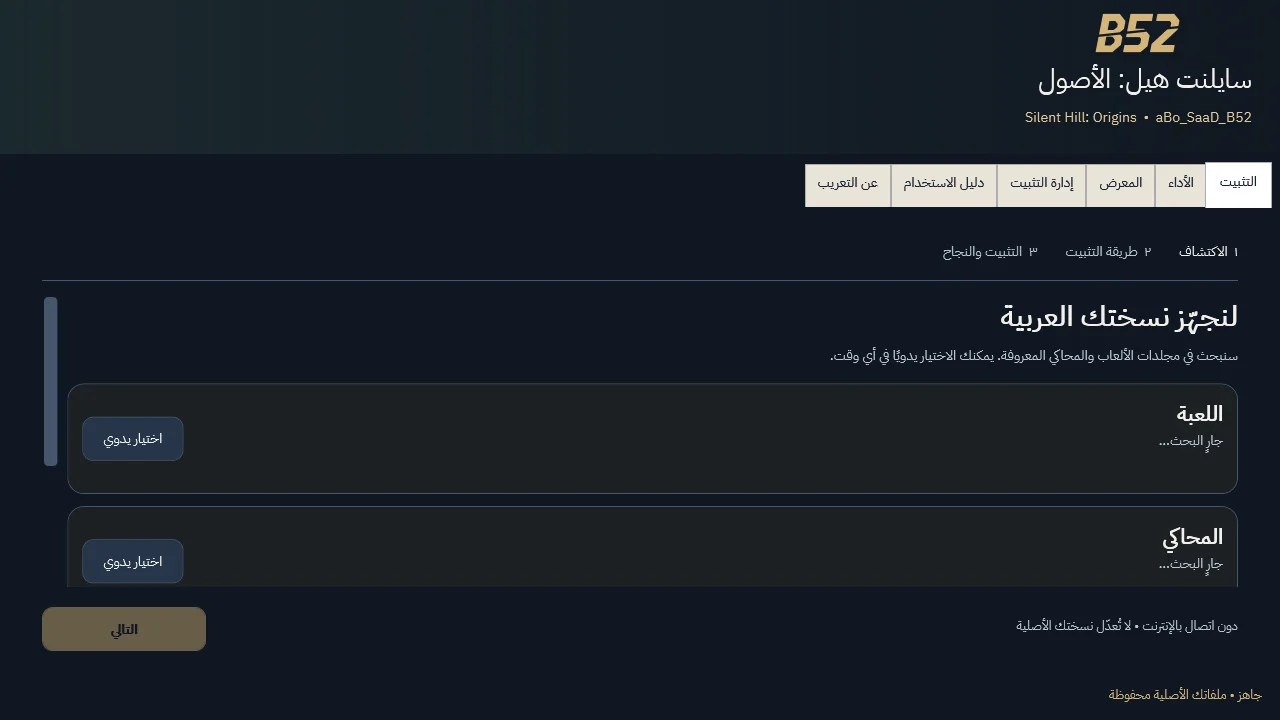
Local installation can work offline with the required files. Do not assume a publisher certificate; do not disable Windows protection. Start the game yourself after installation.
Installer recommended for guided setup. A portable ZIP must be fully extracted; manual packages and add-ons have separate requirements.
Localization 1.0.0 · Launcher 1.1.0
288333824 bytes · Published 2026-10-18
dbf7dc52c1b9a455b0a16988b1c7464de0a25e669a194202920a99ca6fe07c95Download installerLocalization 1.0.0 · Launcher 1.1.0
288298424 bytes · Published 2026-10-18
ceacaccfa4280682a12a932e9c4715754116b00e56ae19e5d06acd1cc0ac8820Download portable ZIPUse installation management and its record to restore the managed changes, or return to your preserved original copy. Do not delete saves or replace the original with the modified output.
Use a lawful game copy. Packages do not contain the full game or BIOS. Compatibility and package requirements take precedence over generic advice.