
Recommended: Windows installer
Localization 1.0.0 · Launcher 1.1.0
32462848 bytes · Published 2026-10-18
00cc904f03a638ab63394b7859363ec94e943ab8b376401f8e6d95e63196fbf8Download installerRémy’s adventure with Arabic menus, dialogue, instructions and objectives. Choose the launcher or the official manual package.
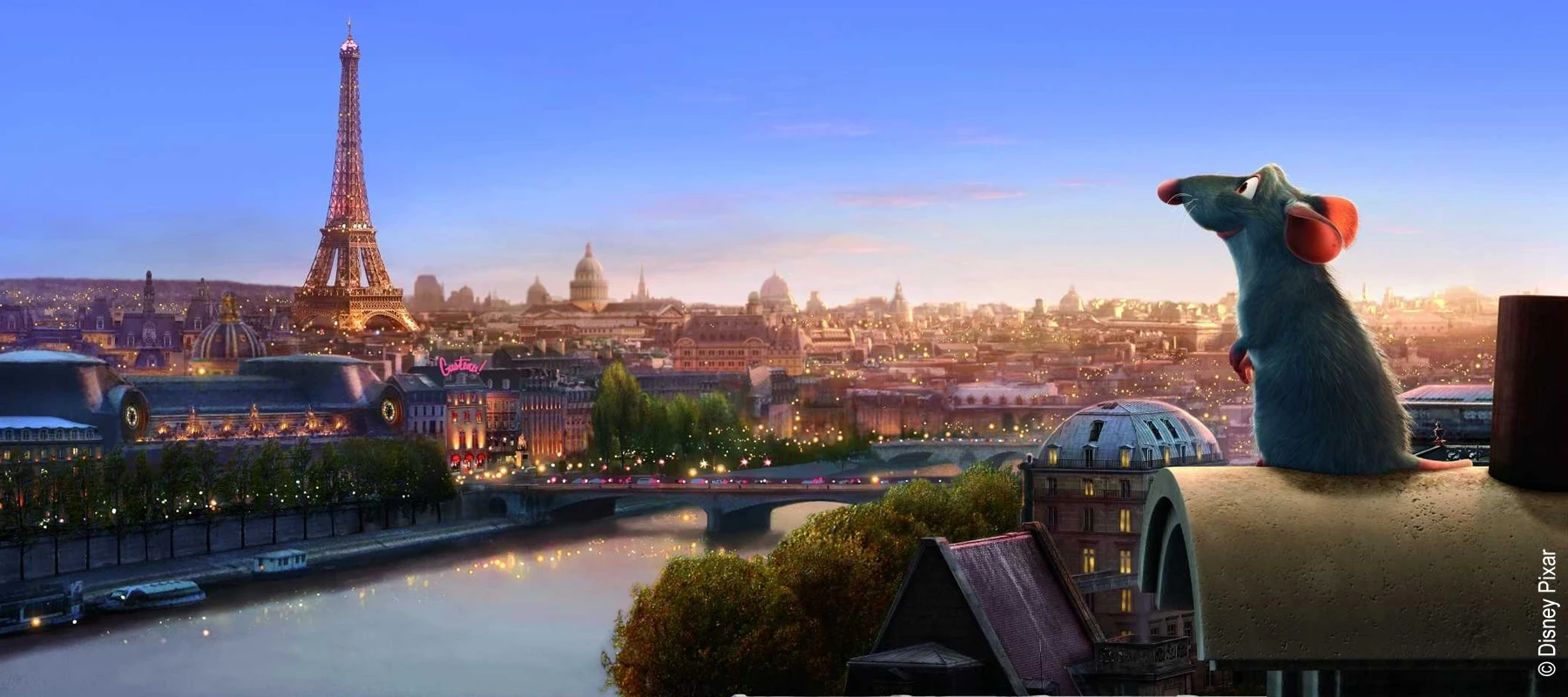
The core Arabic localization and the optional HD textures are separate packages with different requirements.
These are preserved project images, not newly captured gameplay from the latest launcher build. Game imagery belongs to its respective rights holders.
USA PlayStation 2, SLUS-21541. Documented PCSX2 testing includes 2.9.118. Windows x64 and .NET Framework 4.8 for the installer. Original PS2 hardware has not been tested.
Last documented project update:
Help and safe installation guidanceLauncher version 1.1.0, separate from localization version 1.0.0. It checks the supported original and manages a separate Arabic installation. Keep the original and installation record.
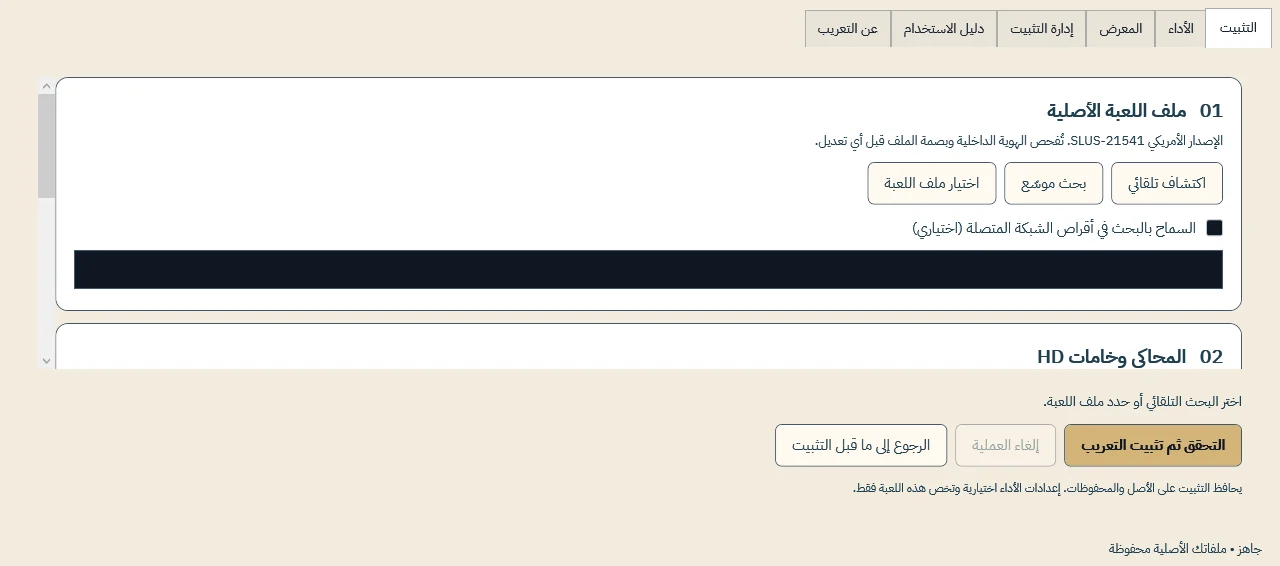
Local installation can work offline with the required files. Do not assume a publisher certificate; do not disable Windows protection. Start the game yourself after installation.
Installer recommended for guided setup. A portable ZIP must be fully extracted; manual packages and add-ons have separate requirements.
Localization 1.0.0 · Launcher 1.1.0
32462848 bytes · Published 2026-10-18
00cc904f03a638ab63394b7859363ec94e943ab8b376401f8e6d95e63196fbf8Download installerLocalization 1.0.0 · Launcher 1.1.0
32427368 bytes · Published 2026-10-18
fcbeb260487d441acfa620bb2d861d7b20929aebadd462297245864fc1878960Download portable ZIPLocalization 1.0.0
36974223 bytes · Published 2026-10-18
7ccac0a76e4190db43e4b8313d236b6f124c313e0f2f15ed9694f2966005a9e0Follow INSTALL-AR.md. The tools/delta.py route needs Python 3.10 or later; Apply-Arabic.ps1 uses Windows PowerShell and .NET Framework. Select the exact original and a new output path.
Download packageLocalization 1.0.0
3810693 bytes · Published 2026-10-18
14e04f924d24f38146d9b42e67636eb50802d1c58fa171f016b1282953ece9c5Requires the exact matching “Ratatouille 4K — HD Remastered Textures” source pack by Moataz. Follow README-AR.md and Build-HD.ps1; Windows PowerShell 5.1 and .NET Framework 4.8 are required. The process generates 47 images in a new folder. Close the emulator and back up textures first. The source must match by hash, not name. Not needed for the core localization.
Download optional add-onKeep the original game image unchanged. Use the installation record to restore launcher-managed files. For manual installation, follow the included INSTALL-AR.md and its rollback instructions, including receipt.xml where applicable. Do not remove global PCSX2 settings or saves.
For HD removal, close PCSX2, move the add-on folder out of textures and restore the preserved textures according to README-AR.md. Do not modify the original game or saves.
Use a lawful game copy. Packages do not contain the full game or BIOS. Compatibility and package requirements take precedence over generic advice.