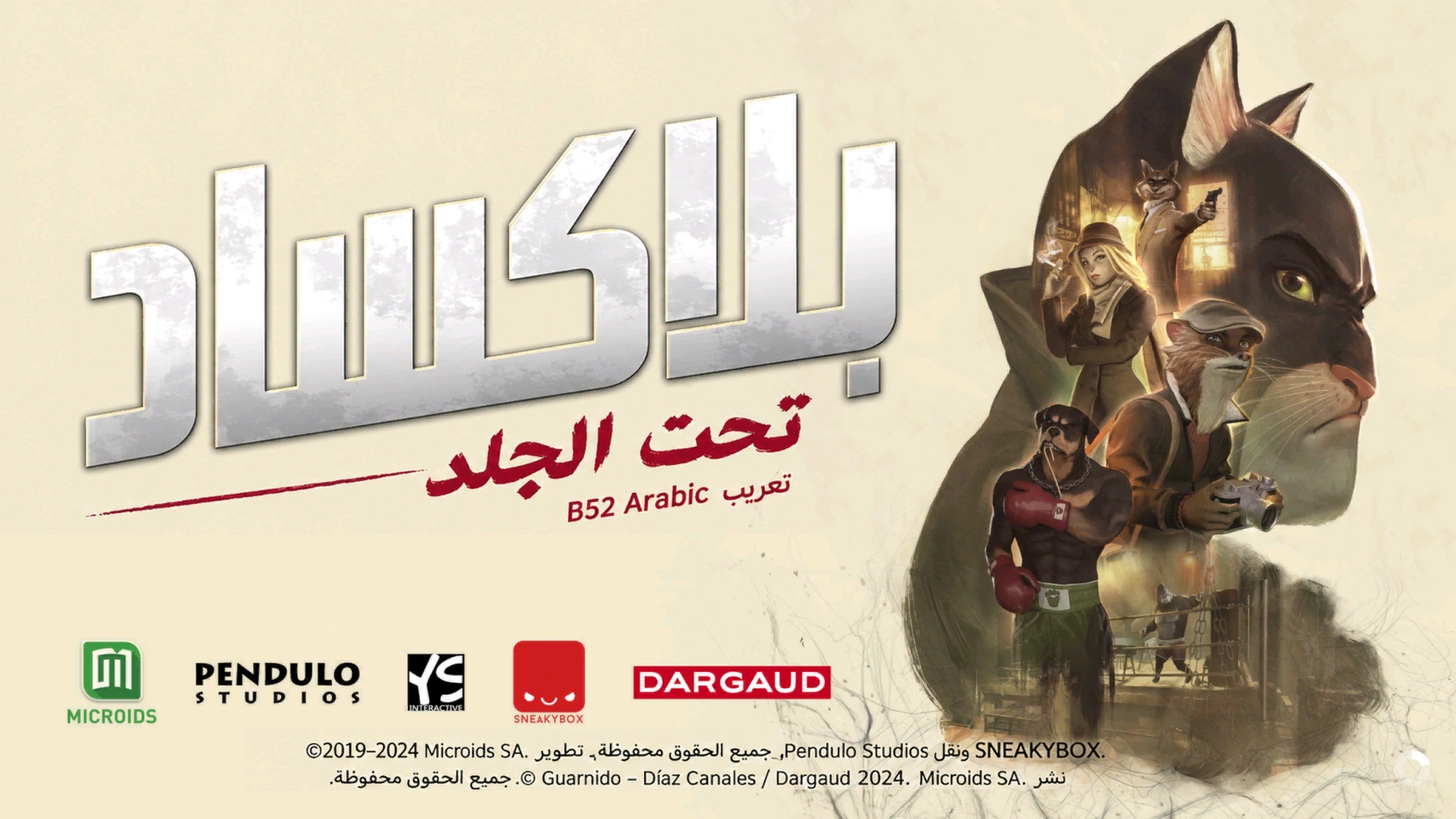
Arabic dialogue, choices, interface, tutorials, notebook, clues, deductions and Hall of Fame; localized images, signage, documents, comics and included visual material. Original voice acting is preserved.
✓Context-aware Arabic phrasing and consistent character names, investigation and boxing terminology
✓Manual screenshot review and correction rounds for joining, alignment, wrapping and button prompts
✓18 actual captures from the Arabic release
✓B52 installer with discovery, source checks, backup, verification, repair and restore
✓Independent launcher-free Manual ZIP with ready-to-copy files and Arabic/English instructions
PC — Windows / SteamLocalization 1.0.0 · Launcher 1.0.0
BLACKSAD: Under the Skin — actual Arabic localization screenshot 1BLACKSAD: Under the Skin — actual Arabic localization screenshot 2BLACKSAD: Under the Skin — actual Arabic localization screenshot 3BLACKSAD: Under the Skin — actual Arabic localization screenshot 4BLACKSAD: Under the Skin — actual Arabic localization screenshot 5BLACKSAD: Under the Skin — actual Arabic localization screenshot 6BLACKSAD: Under the Skin — actual Arabic localization screenshot 7BLACKSAD: Under the Skin — actual Arabic localization screenshot 8BLACKSAD: Under the Skin — actual Arabic localization screenshot 9BLACKSAD: Under the Skin — actual Arabic localization screenshot 10BLACKSAD: Under the Skin — actual Arabic localization screenshot 11BLACKSAD: Under the Skin — actual Arabic localization screenshot 12BLACKSAD: Under the Skin — actual Arabic localization screenshot 13BLACKSAD: Under the Skin — actual Arabic localization screenshot 14BLACKSAD: Under the Skin — actual Arabic localization screenshot 15BLACKSAD: Under the Skin — actual Arabic localization screenshot 16BLACKSAD: Under the Skin — actual Arabic localization screenshot 17BLACKSAD: Under the Skin — actual Arabic localization screenshot 18
Download and install the localization
Choose one method: the recommended installer or the independent manual ZIP. Each download has its own steps directly below it; do not use both methods.
Follow these steps after downloading the EXE above. You do not need the manual ZIP for this method.
1
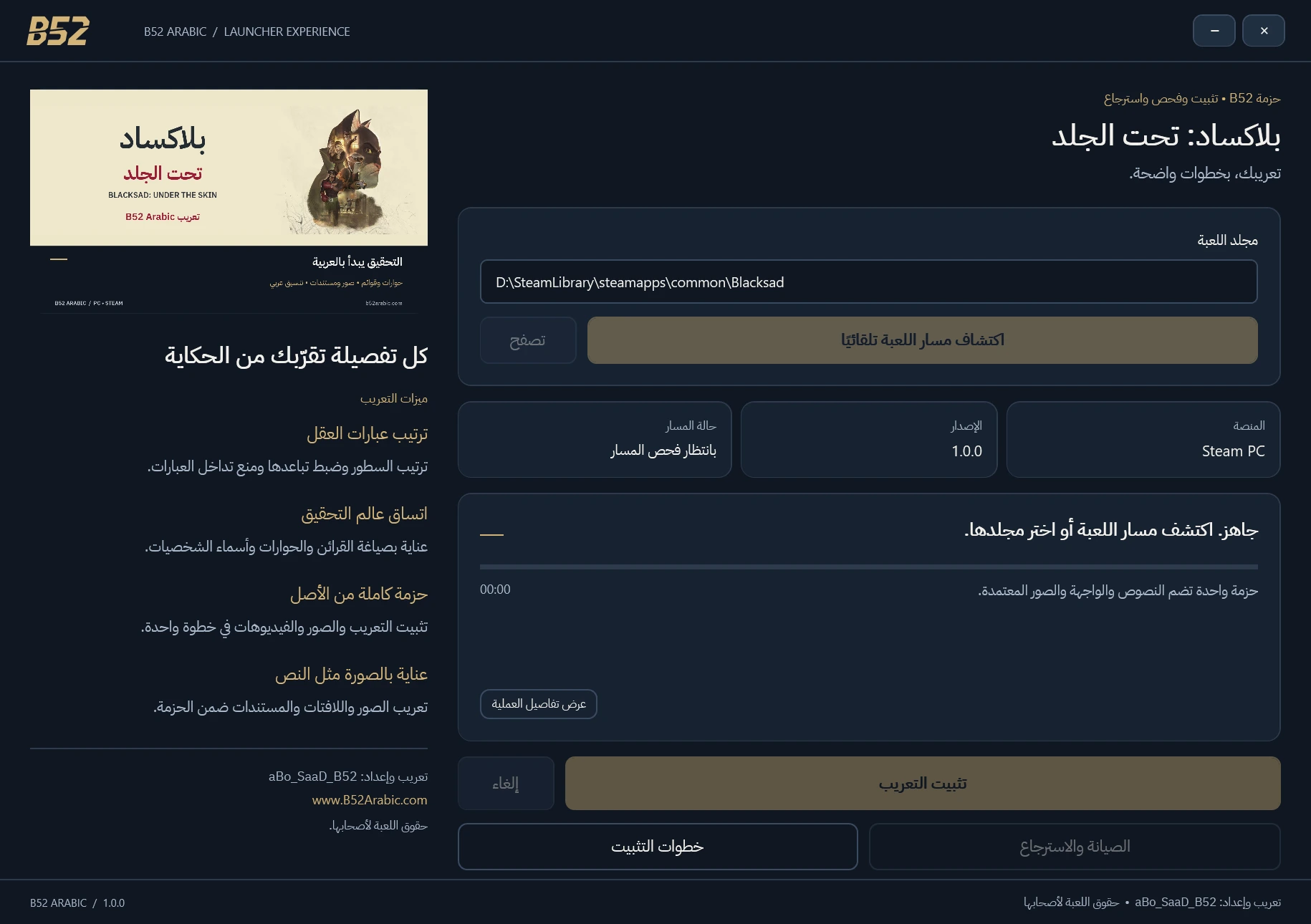
Launcher: detect the Steam folder or browse to the directory containing Blacksad.exe. Review compatibility and install; wait for final verification. The launcher backs up changed files.
2
Both methods include the release text, images and video resources together. Required DLL libraries are part of the game localization. The Manual ZIP contains no launcher executable or installer script.
3
Select English text and enable subtitles. Keep saves and settings.
This is an independent alternative to the launcher. Download the ZIP above and follow only its steps below.
1
Manual ZIP: back up Blacksad_Data outside the game folder. Extract the ZIP and read the included Arabic/English guide. Merge its Blacksad_Data folder into the directory containing Blacksad.exe and replace files. Do not nest it inside another Blacksad_Data directory.
2
Both methods include the release text, images and video resources together. Required DLL libraries are part of the game localization. The Manual ZIP contains no launcher executable or installer script.
3
Select English text and enable subtitles. Keep saves and settings.
Restore or remove
For a launcher installation, use Maintenance / Restore to recover recorded originals; changed-file conflicts are refused. For a manual installation, restore your original Blacksad_Data backup. The readme also explains Steam verification and removing the added helper DLL. Do not use an older launcher restore over a newer manual installation. Preserve saves and settings.
Use a lawful game copy. Packages do not contain the full game or BIOS. Compatibility and package requirements take precedence over generic advice.
Compatibility and requirements
Windows / Steam app 1003890, build 15955197, with matching original source hashes. Select English text and enable subtitles. Other stores/builds are unverified. Voice acting remains in its original language.
Launcher version 1.0.0, separate from localization version 1.0.0. It checks the supported Steam originals, backs up changed files and installs the Arabic resources in place. Verification, repair and recorded restoration are provided. Keep saves, settings and the backup record.
Actual B52 Blacksad 1.0.0 interface; not a gameplay screenshot.
Local installation can work offline with the required files. Do not assume a publisher certificate; do not disable Windows protection. Start the game yourself after installation.
Choose your download
Choose the B52 launcher for guided installation or the independent Manual ZIP for ready-to-copy files. Both include the same Arabic resources.
B52 Launcher — guided installation
Detect or select your supported Steam game folder, verify and install. Includes backup, progress, repair and restore. Text, image and video resources are installed together; no separate ZIP needed.
Ready-to-copy localization files and Arabic/English readme. Merge Blacksad_Data beside Blacksad.exe after taking your own backup. Required game DLLs are included; no launcher executable or installer script.