

Recommended: Windows installer
Localization 1.0.0 · Launcher 2.2.0
33075200 bytes · Published 2026-10-18
e8565767380e3e4a286f7b95aa4ce16b14ed0b51c61ad4cbed0b8d58a15f0ab7Download installerArabic dialogue and camp signage with a dedicated launcher that preserves the original game.
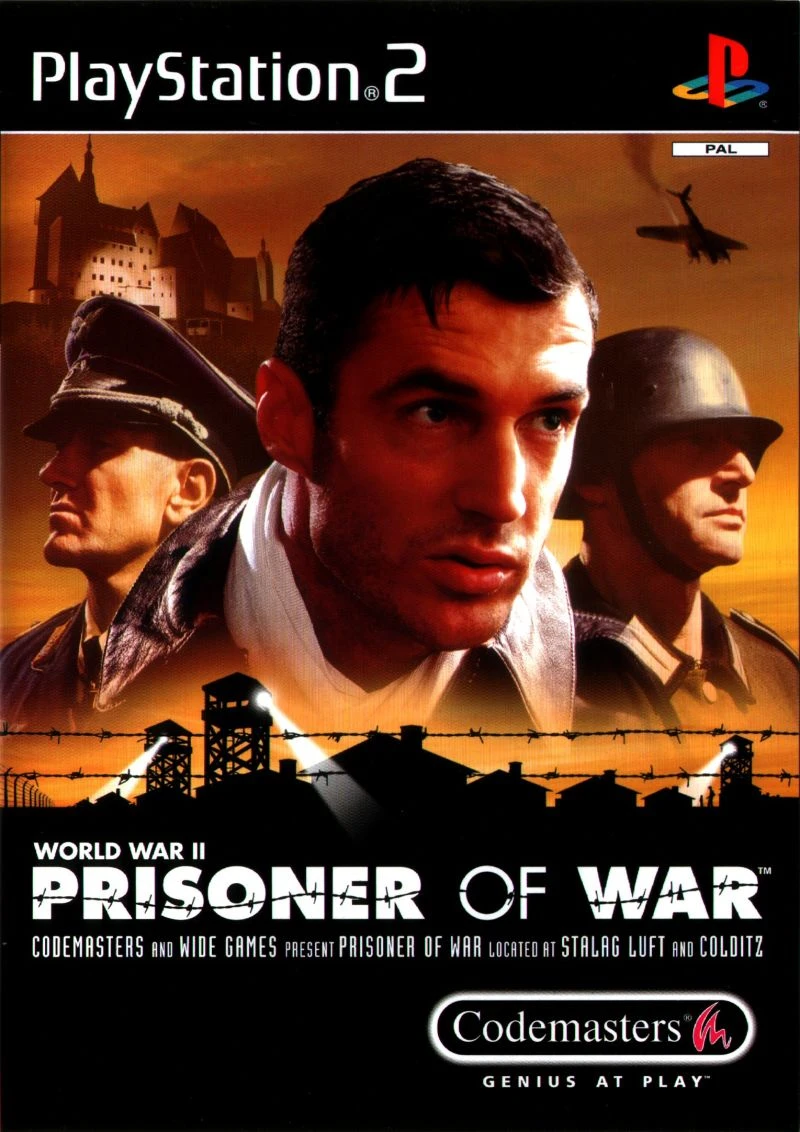
A separate Arabic copy, font installation and managed restoration for the supported European edition.
These are preserved project images, not newly captured gameplay from the latest launcher build. Game imagery belongs to its respective rights holders.
Europe PlayStation 2, SLES-50397, PAL 1.01 through PCSX2. Supplied performance settings target the 2.9.x family. Windows 10/11 x64 and .NET Framework 4.7.2 or a compatible later version. Other versions and original PS2 hardware are not claimed as supported.
Last documented project update:
Help and safe installation guidanceLauncher version 2.2.0, separate from localization version 1.0.0. It checks the supported original and manages a separate Arabic installation. Keep the original and installation record.
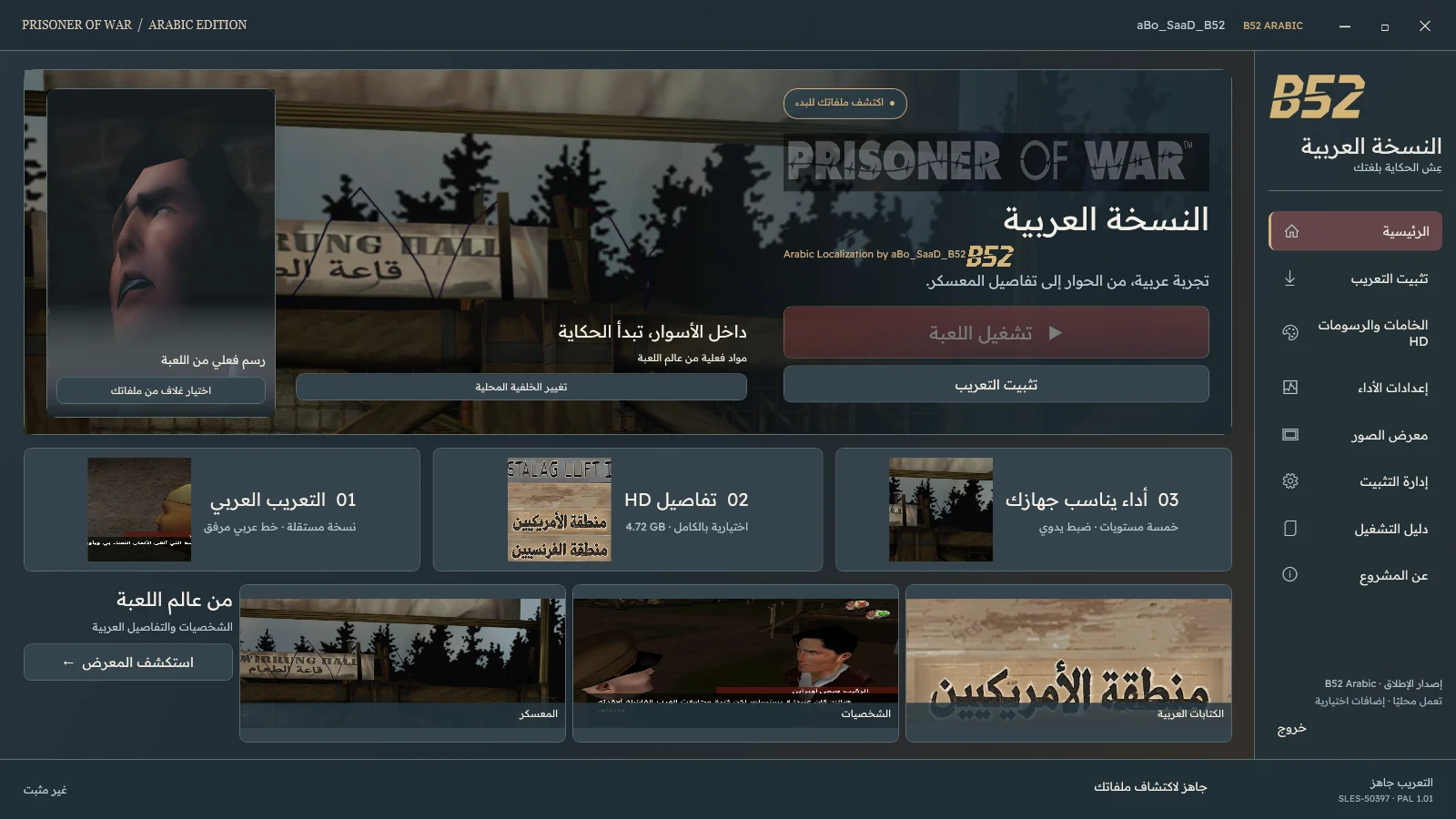
Local installation can work offline with the required files. Do not assume a publisher certificate; do not disable Windows protection. Start the game yourself after installation.
Installer recommended for guided setup. A portable ZIP must be fully extracted; manual packages and add-ons have separate requirements.
Localization 1.0.0 · Launcher 2.2.0
33075200 bytes · Published 2026-10-18
e8565767380e3e4a286f7b95aa4ce16b14ed0b51c61ad4cbed0b8d58a15f0ab7Download installerLocalization 1.0.0
548180 bytes · Published 2026-10-18
a62d206debefd3ce456011cf90cbe0f7aee171128887d0549452cec78d326c4cNot a standalone installer. Use the full POW launcher package, which also installs the required Arabic font and other components.
Download packageLocalization 1.0.0 · Launcher 2.2.0
33065830 bytes · Published 2026-10-18
7642f0627f11dcd88dbdbd5b974243381c9905ad39eec092ce9f9367f8ea7f60Download portable ZIPUse installation management to verify files and restore the last operation. You can return to the original or an earlier supported release. Preserve saves; do not resume a save state from a different version after updating.
Use a lawful game copy. Packages do not contain the full game or BIOS. Compatibility and package requirements take precedence over generic advice.